TLG-36 · WEB · Recovered Shelf IV
WALLop City Demo
Free browser beat 'em up game — play instantly, no download.
- Free
- Browser
- No download
- Controller
What is WALLop City Demo?
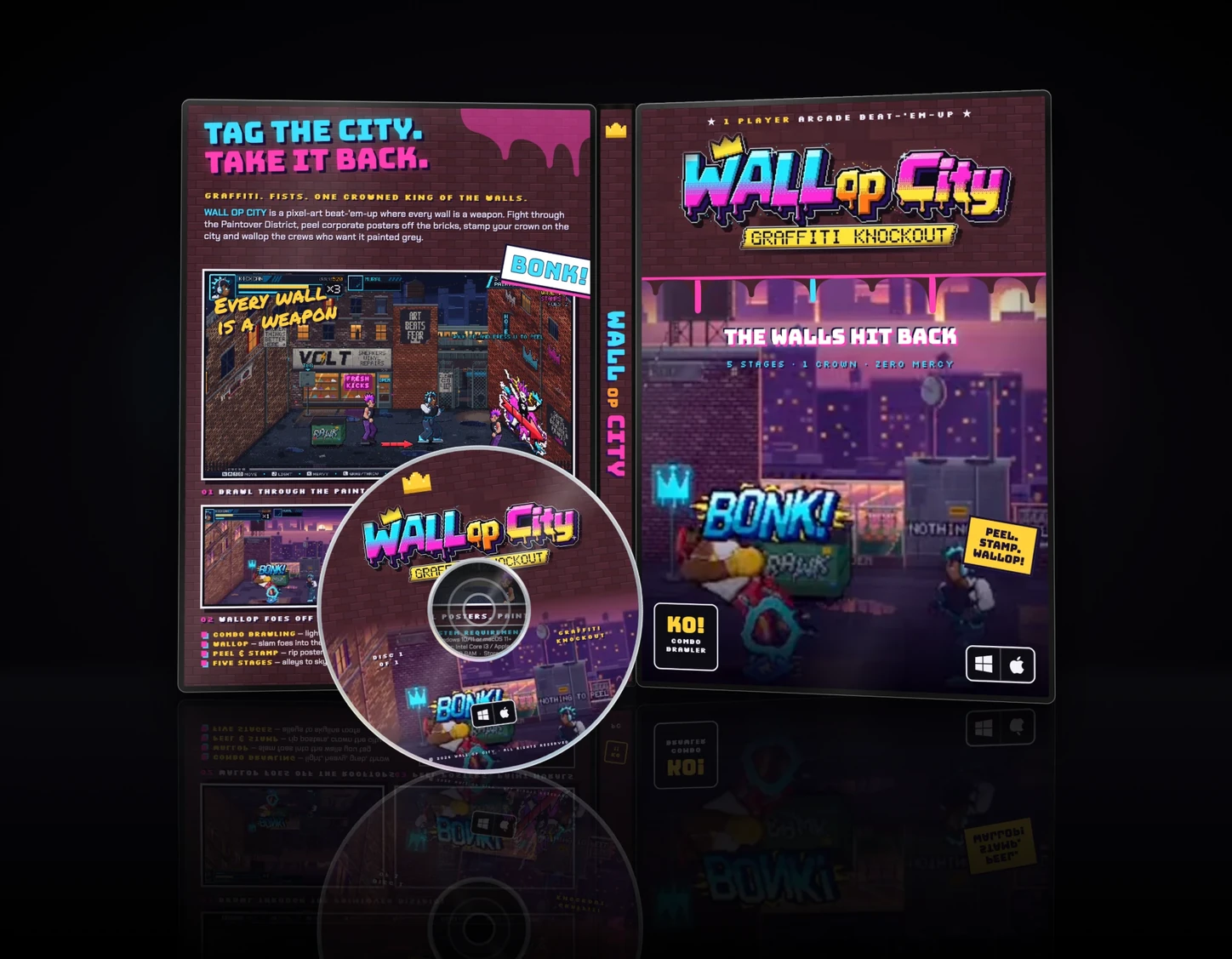
WALLop City Demo is the first three street blocks of WALLop City: Graffiti Knockout, a pixel-art beat 'em up you play free in a desktop browser. Its one idea is WALL-STAMP, PEEL, THROW: knock an enemy hard enough into brick and they stop being an enemy and become a living graffiti mural stuck to the wall for ten seconds. Walk up, peel the mural off, and you are holding one use of that enemy's own signature attack. Rush Punk's arrow is a horizontal charge; aim it at a dumpster and the dumpster becomes a battering ram. Boom Boxer's fist punches across the street from a wall, or waits on the floor as an uppercut trap. The demo ends after the third block with a card that offers another run.
Three blocks, three waves each, a checkpoint apiece: Paintover District, Overpass Yard and Neon Row, against Rush Punk, Boom Boxer, Chain Girl, Spinhead and Shield Bruiser. The full game runs to seven blocks and a boss. The demo keeps its own save, so the title screen offers to continue at block two or three once you have reached them, and the end card returns you to the title for a fresh run from block one.
It is a GDevelop 5 game rendering at 640x360 and scaled to fit, with every sprite and every sound generated in code and no third-party assets. Keyboard and controller both work and the on-screen prompts switch to whichever pad is plugged in — Xbox, DualSense and generic PC pads are all read. There are no touch controls, so it is a desktop browser game.
How do you play WALLop City Demo?
Controls
- WASD or arrows move
- J or Z light attack, K or X heavy attack
- L or C grab and throw
- I or V Wallop finisher, held with a direction
- Space or Shift dodge
- U or B peel a mural and use it
- Enter starts or restarts, Esc or P pauses
- Controller: A light, X heavy, Y grab, RB Wallop, B dodge, LB peel, Menu pause
Cassette tips
- WASD moves. J light, K heavy, L grab and throw, I is the Wallop finisher with a direction.
- Knock an enemy hard into brick and they stick there as a living mural for ten seconds.
- Press U to peel a mural off the wall. You get one use of that enemy's own attack.
- Three street blocks of the demo: Paintover District, Overpass Yard, Neon Row.
How much of WALLop City is in the demo?
The first three street blocks — Paintover District, Overpass Yard and Neon Row — with three waves and a checkpoint each. The full game has seven blocks and a boss.
What happens at the end of the demo?
A card reads END OF THE DEMO and offers another run. Press Enter, or Start on a controller, and you are back at the title ready to start again from block one.
Does WALLop City Demo support a controller?
Yes. Xbox, PS5 DualSense and generic PC pads all work, and the button prompts on screen change to match the pad you have connected.
Can I play it on a phone?
No. There are no touch controls, so it needs a desktop browser with a keyboard or a controller.